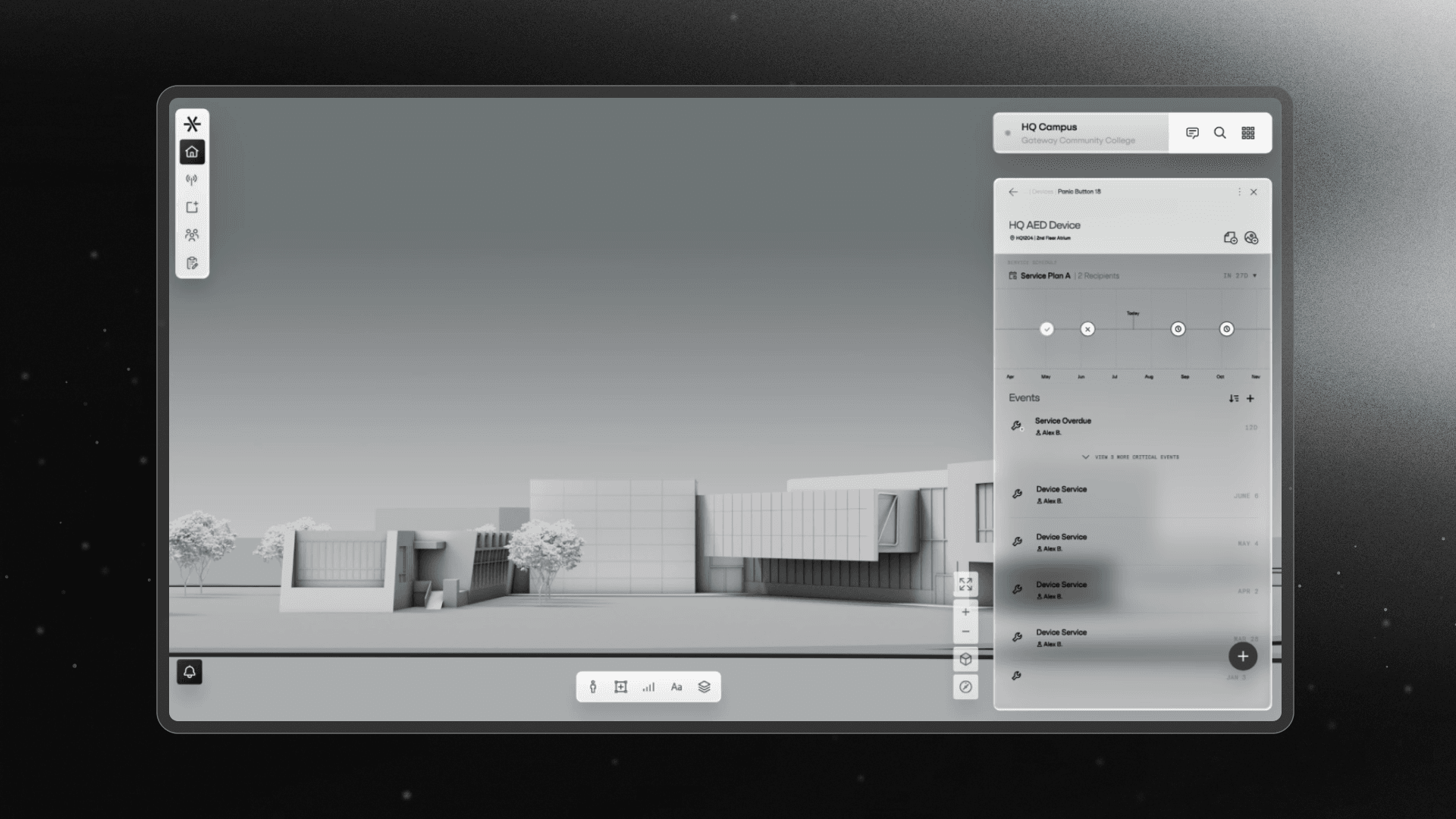
In Summer 2025, I joined the Firefly team to help build Ember, a platform that helps organizations manage workplace safety using AI. I worked as a contract engineer across the frontend, focusing on how users interact with their building maps and the core interactive tools within the platform.
Improved map UI and navigation experience using Mapbox and Mappedin.
Built a drag-and-drop workflow engine with ReactFlow and a custom template editor.
Map Experience
Ember uses Mapbox and Mappedin to display detailed 3D maps of buildings and their interiors. I worked to improve the user experience of these maps, making them easier to navigate and simplifying incident management.
Exploded View
I worked heavily on the Exploded View. By default, the map only shows one floor at a time from an aerial view. The exploded view separates the floors vertically, allowing users to see safety devices and active incidents across the entire building at a glance.
Navigation and Search
I also built the core navigation and search components. This allows users to search for a specific room or device and instantly snap the 3D camera to that location, handling the floor switching automatically.
Automations Builder
Firefly has an advanced automation creation feature that allows admins to build powerful safety protocols for their organization. They can create automated workflows in response to triggers like incidents, resolutions, device updates, and more.
Visual Builder Canvas
I built the visual builder for this using ReactFlow. It's a canvas where users can drag and drop trigger and action nodes and connect them to define the automation flows. I implemented the validation logic to ensure that the automations execute correctly on the backend.
Message Template Editor
A big part of automations is sending alerts (SMS/Email). Users needed a way to write message templates that include dynamic data, like the location and time of an emergency. I built a custom text editor using TipTap to handle this.
I added support for inline mentions similar to Notion or Linear. If the user types @, it triggers a menu of available variables (like Incident Time or Location). When selected, these render as "chips" inside the text area, making it easy to see exactly what data will be sent during an emergency. I also added a preview mode that shows the message with sample dynamic data filled in, giving users confidence in what they are sending.
To improve adoption, I also built the onboarding tutorial flow with a simple sequence of cards explaining the capabilities and procedure for creating automations.
Contacts Management
Firefly allows admins to create contact lists to ensure the right people get alerted—whether that's first responders, staff, or groups of students for safety check-ins. Previously, managing these groups was slow. I implemented a multi-select and drag-and-drop system that allows admins to shift+click users and sort them into specific groups. This makes setting up check-in lists or responder groups much faster.
The Experience
Working with Firefly has been a great opportunity to take real ownership of my work. I have a lot of autonomy in how I approach problems, and I'm encouraged to think through the design and user experience myself rather than just implementing a spec.
I usually have the freedom to pick up tickets and work asynchronously. I've really enjoyed this workflow because it lets me move fast and ship improvements that users see and use immediately.